
Bullshit. All crossing my eyes does is make a third picture appear. Nothing 3D at all.
Matt
-
-
-
This would be cooler if it wasn't done ten years ago. "Magic Eye" ring a bell?Leave a comment:
-
After 5mins I did it!! It's pretty cool.. I'm going try it with to E30s.Leave a comment:
-
3d Picture, no goggles required
Pretty Legit! -- I suggest sitting back from your monitor a tad bit. Cross your eyes and get the image to merge in the center!
How to do it
- Why crossed eyes?
When overlapping stereo pairs without special glasses, you can get the 3D effect by crossing your eyes or diverging your eyes. I prefer the crossed eye method. I find it easier to control, and it is possible to view larger 3D images than with the diverging technique. - Sit square in front of your monitor, with the image directly in front of you, at about arm’s length
- Sitting further back makes it easier – you don’t need to cross your eyes as much – but makes the image look smaller
- Make sure you keep your head level horizontally, tilting your head will prevent you from merging the images
- While keeping the stereo pair of images in the centre of your vision, slowly cross your eyes
- The stereo pair will go out of focus and you will seem to see four images, as shown in the animation above
- If you find it hard to cross your eyes, it can help to hold a pen in front of you and look at the tip with the stereo pair in the background
- Gradually cross your eyes more and more – if using a pen to assist, start it close to the monitor and move it towards your nose
- Continue crossing your eyes more, untill the centre two of the four images overlap and you see three blurry images, as in the animation above
- Try and hold the centre image together – it is possible to “lock” it in place and see it as one image
- The “locked” centre image should appear in 3D!
- Now the tricky part, focus – while holding the 3D image in place, relax your eyes – drop the pen from your field of view if you are using it
- If you can keep the 3D image locked and relax your eyes, it should eventually pop into focus, as in the last frame of the animation above
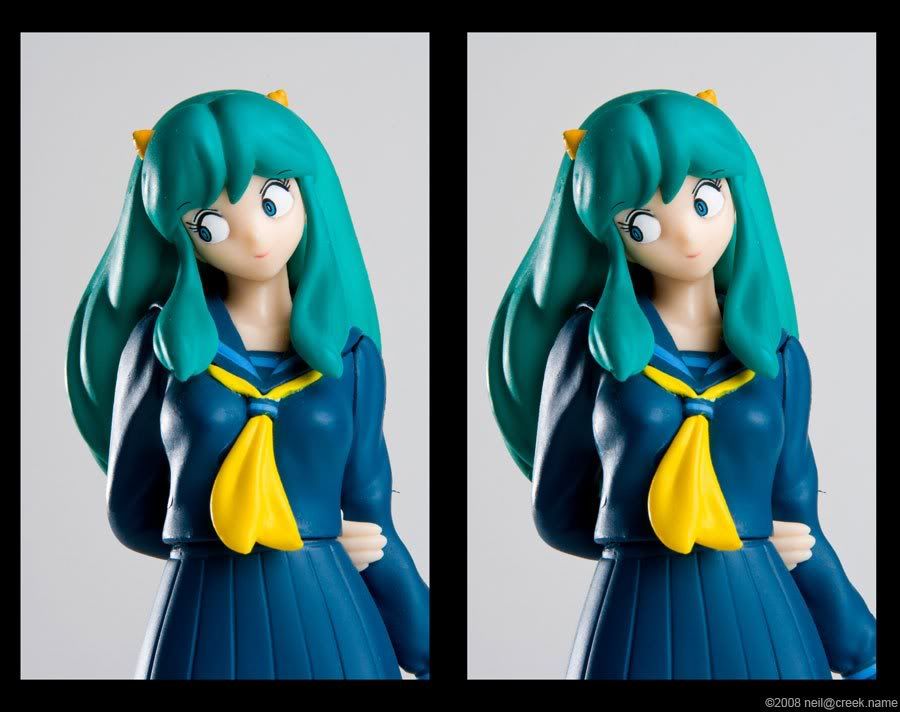
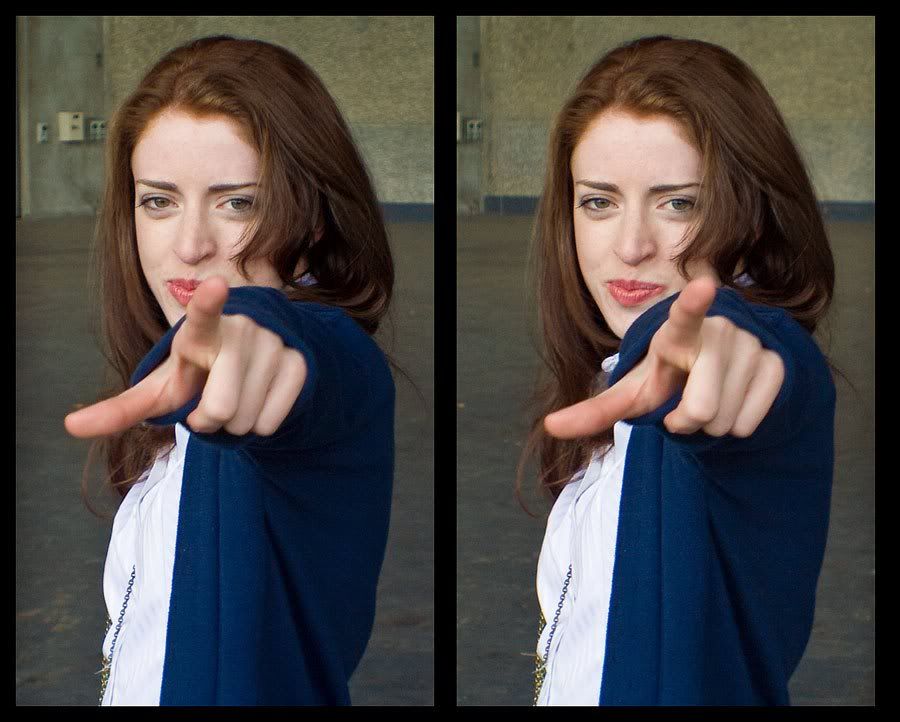 Last edited by s0urce; 07-30-2010, 03:58 PM.
 - Why crossed eyes?


Leave a comment: