-
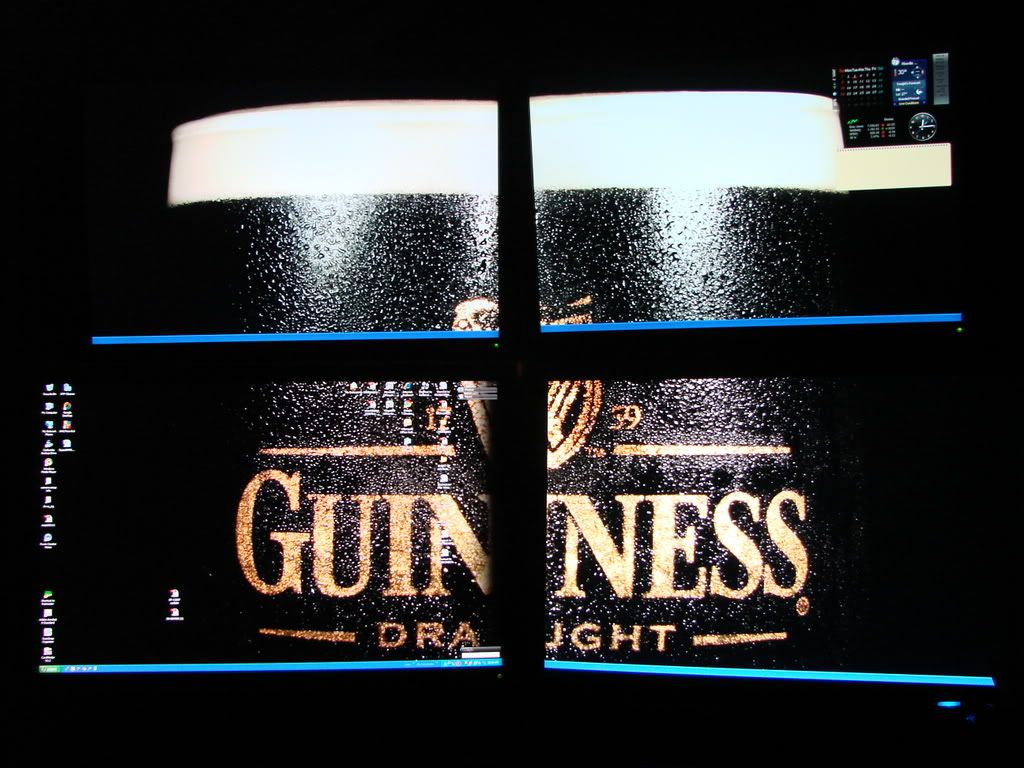
Heres my desktop at the moment, a photo of mine and Bergies_318iS e30's at a late night cruise we had a while back:).

Leave a comment:
-
Exactly, running 2 - dual out video cards. Windows XP handles the rest. Running a view simple free programs to keep a task bar on the bottom of each screen so that you will know what windows you have open on each monitor vs all being gathered in the task bar on the "main" monitor.
:drink:Leave a comment:
-
Splitting the DVI would only give you 2 of the same picture. If you have 2 cards set up as a SLI or in Crossfire your video card driver/control panel should allow you to set up how your monitors are arranged. Windows then sees this as 1 screen set up however you set it up.Leave a comment:
-
-


 I wish I could ride like that! Nice pic!




Leave a comment: