


-
Heyyy look who's car it is lol! Only needs to be lower with a roof rack and a bunch of random stuff on top :-p
-
-
-
Who says Bronzit can't look good? Did a high pass filter over it to sharpen it up some...
 Last edited by speedminded; 11-23-2009, 11:03 PM.
Leave a comment:
-
I think they are best as is. Or repainted a slightly darker silver. I'm not a fan of paint matched, and you don't want to do any crazy colors. I think white and black would both look fairly bad. Therefore I see silver in your future.
I like this for some reason.
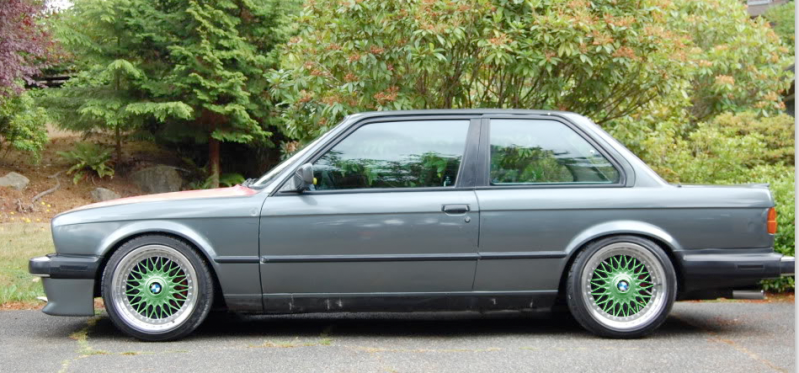
This isn't bad:
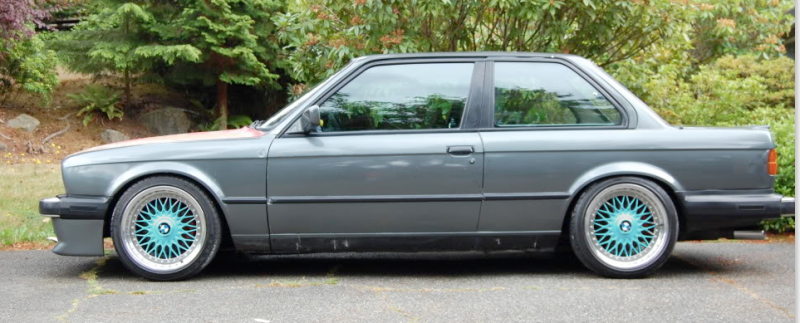
:rofl:
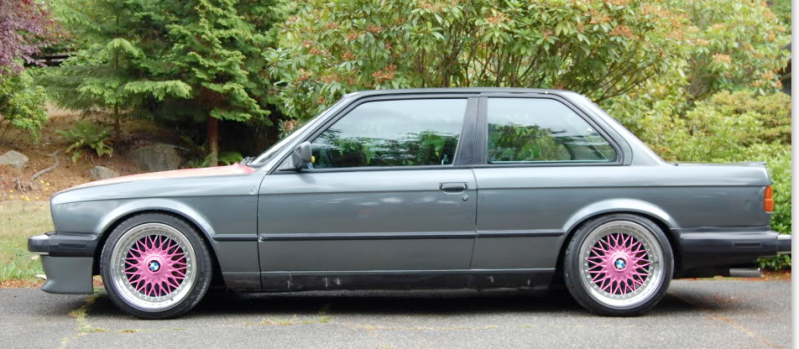
Leave a comment:
-
I'll hotlink the .psd for ya 87e30 so you don't have to do it over. I selected the wheel center and subtracted the background using color selecter set at 200. Worked perfect.
*edit*
I sharpened the rear wheel to match the front since it was slightly out of focus.

 Last edited by speedminded; 11-23-2009, 10:17 PM.
Leave a comment:
-
I've always used the color slider before, while adjusting the curve/levels/exposure to adjust evenly in the lighter and darker spots, but I accidentally did it on a wheel the other day thinking I had a different layer selected and it surprised me. Holy perfect gold wheels! I have not tried it with different colors yet...Leave a comment:
-
Well I was just about to try this then my CS4 crashed and I hadn't saved the file with the selection done so I'll pass as I'm pretty sure Alex wouldn't want gold wheels anyways.
For selecting the wheels I just used the circle selector for the insides, made a new layer, set the magic wand to like 75 and grabbed all of the bright area, selected inverse, and deleted the darks. Seemed to work pretty well.
I also used color overlay on the layer to get the colors in the wheel. I find it really hard to ADD color any other way seeing as how the wheel starts out as pretty washed out and colorless. Do you use the b/w tint for everything? I'll have to try that.Leave a comment:
-
-
Ughh, I've photochopped Style 5's so many times. It's so miserable deselecting all the triangles!! lol!Leave a comment:


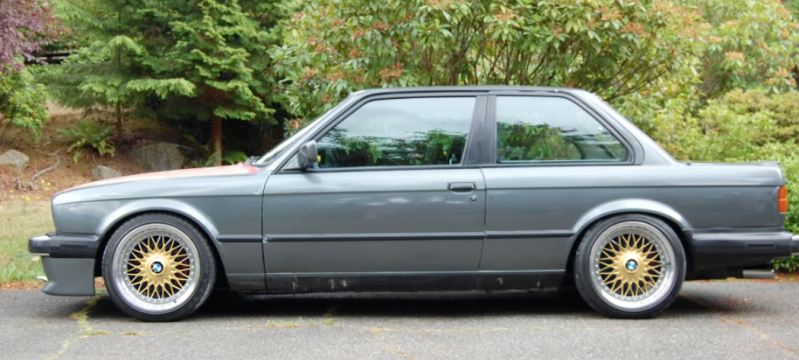
Leave a comment: