-
I doubt you'll have the issues I did. I ended up having to get a different laptop to connect it though because my main laptop doesn't like MS, but since then I've successfully connected 3 different computers just to test it. Oh, and the default Win7 driver worked fine for me on 3 computers for the Serial to USB driver. -
-
So I got it figured out.
First off - my laptop sucks and is having issues reading COM ports, so that's part of the reason it didn't work.
Part 2 - LC1 connects to the megasquirt (obviously) and then of the LC1 controller, are the 2 headphone looking wires running out of it. 1 says IN, one says OUT. From there, there's a wire that connects to serial which is what I was trying to use all the time not knowing that there was a serial port on the side of the MS controller itself. Plugged that in, works great. Fuck my life I'm an idiot.
Additionally, I found out I have an MS1, not 2 like I was sold. Also the tune is fucked but that's another ball game I won't get into.Leave a comment:
-
Currently 3.3.7.131
I had a later one loaded on my laptop before this one because it would BSOD but I could not get the newer one loaded on this one so I am at an older version that came with the adapter but no issues with an older version.
Phil has changed up TunerStudio serial code and I think it is not so sensitive to versions now. And on the last version is now supporting TCP/IP network adapters, I have a wireless one I set up that you can tether off your phone and seeing if I can use for remote tuning support while you drive :)Leave a comment:
-
-
I will have to check when I get on my PC.
You might try to use the boot jumper when you are flashing the firmware and see if that helps, I have had to a few times when the firmware gets whackedLeave a comment:
-
Any chance you can verify driver version for me? I downloaded the latest from www.prolific.com.
V. 3.4.62.293. It's the latest as of 10/17/2013
Leave a comment:
-
It is not a win7 issue, that is what I am running with a prolific based one. Not sure what driver version it installed with but there are newer prolific drivers, the older one was unstable and known for BSODs. You can check the TS site for the drivers.Leave a comment:
-
-
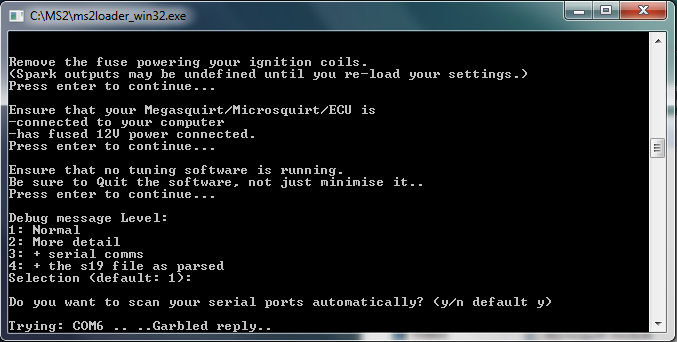
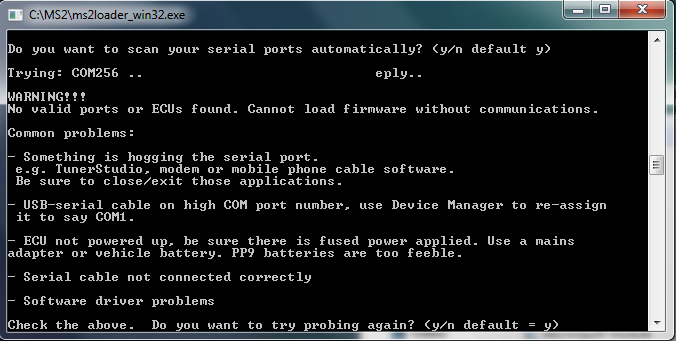
Ill do it again in a second, but the second screenshot flashed COM7 "garbled reply", then switched immediately to COM256 and gave me the last message.
These screenshots were from when i had COM7 selected, but afterwards I checked COM6 and got the same result. Give me just a second.Leave a comment:
-
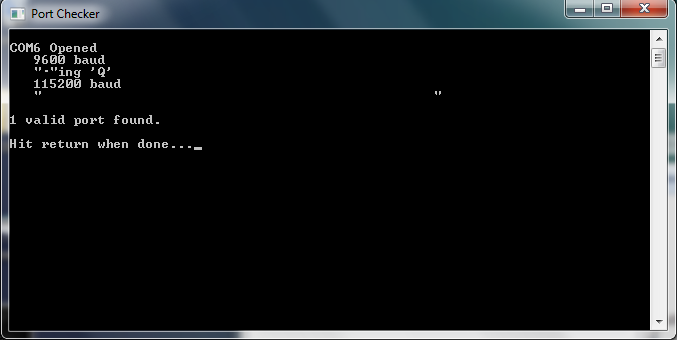
You might try the port checker from here to let it scan for it. Not sure if you have a firmware loaded or not but if not TS wont find it but this scanner will
Leave a comment:
-
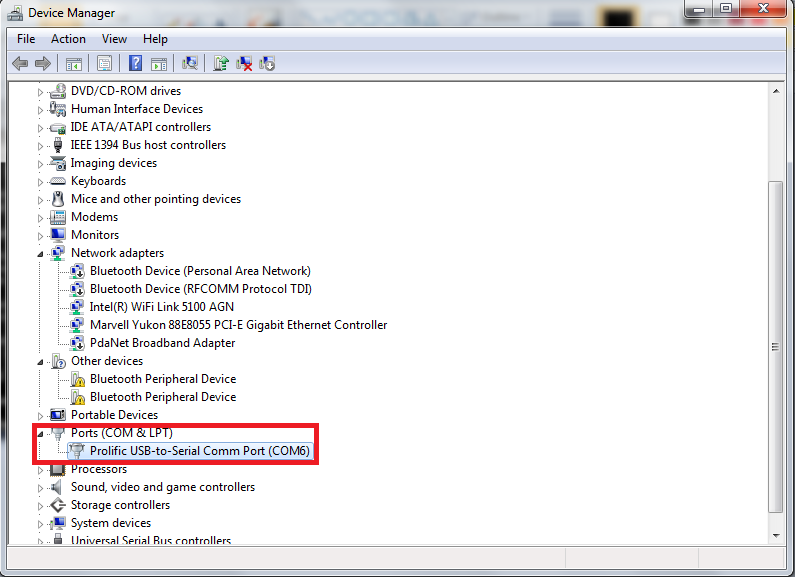
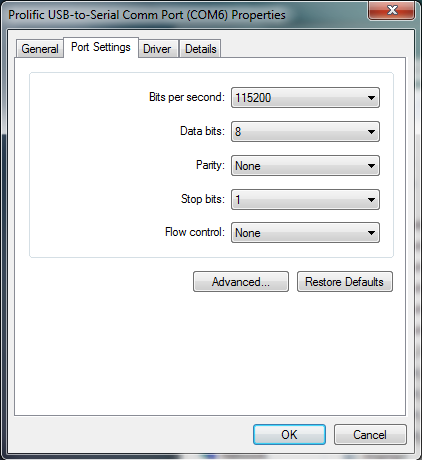
So you have specified COM6 and get this as well? I see com7 and com256 in the screen shotsLeave a comment:
-



Leave a comment: