

Originally posted by Beej '86 325es
-
I figured since this thread is still going strong, and all the mac-users are posting, I'd post an actual picture of my current desktop.

Leave a comment:
-
I Hear ya.. mine was replaced by apple.. was a 30 gig.. now an 80 gig. took alot of bitching thought (they took 3 weeks to try to "locate" a 30 gig drive...)My Macs are not doing to well..oh well ordered a 100GB drive to replace the ibook drive Wink
All paid for. ahem. Atleast i use all these programs.. i love when posers have all these cool programs but have no clue how to use them.Redbull, you got some fun programs on that thing!
Cheers.
JulienLeave a comment:
-
I just reformatted, so I am still reinstalling shit...plus I lost the HD in my ibook today as well.
My Macs are not doing to well..oh well ordered a 100GB drive to replace the ibook drive ;)
Here is my mac desktop background.

Leave a comment:
-
here's mine.... turbo/supercharged M3 hell yah!
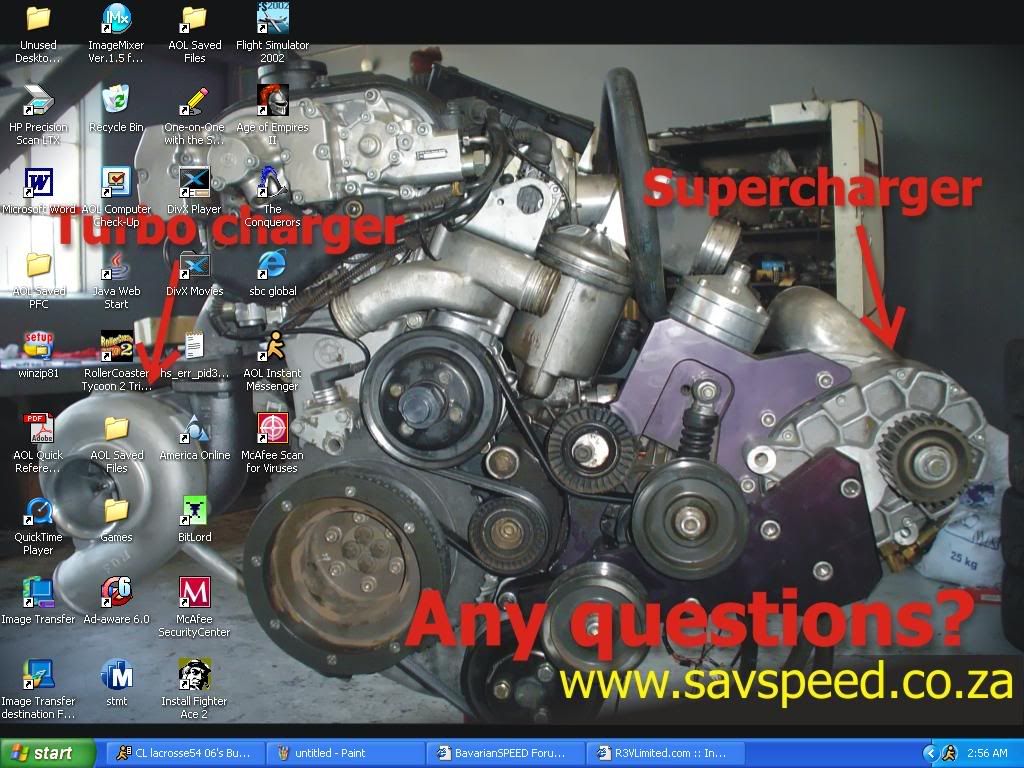
heres the vid http://www.savspeed.co.za/video/st_the_beginning.wmvLeave a comment:
-
right click on an empty spot > uncheck "lock taskbar"Originally posted by Eurospeed88
open a couple windows.
click & drag the line next to the quicklaunch bar above the normal bars, or drag the normal bar line below the quicklaunch bars.
right click > lock taskbarLeave a comment:
-
TJ, how do you get the window bars to sit below the QuickLaunch icons?
I know how to extend the height of the taskbar, but my window bars just sit next to the QuickLaunch icons, and don't sit below them.Leave a comment:
-
Digitalwave, is that a golf course? or just finely mowed grass with a nice sunset...Leave a comment:


Leave a comment: